Crown > Application
Balance overview
On the mobile app’s home screen, the user sees their points balance and a graphical representation of their loyalty card.
Crown > Application
Barcode
When the customer turns the phone 180°, the barcode of the virtual loyalty card enlarges, and the screen becomes brighter to help the salesperson at the point of sale easily scan the barcode.
Crown > Application
Transactions
The user has access to all completed transactions, whether they were completed in your stores or on the webshop. This allows the customer to easily recall their previous purchases.
Crown > Application
Actions
Here you have space to promote actions to your users. You can display offers individually or in the form of a virtual catalog.
Crown > Application
Coupons
The client has insight into all the coupons they possess, you can be sure they won’t lose them! Coupons or eCoupons can also be used in the webshop.
Crown > Application
Profile
Through the “My Profile” interface, the user can update their basic information, read received messages, and send inquiries directly. You can also publish all other useful information for your members, such as a list of branches, contact methods, GDPR, and general terms.
News
News and events from ETRANET GROUP
-
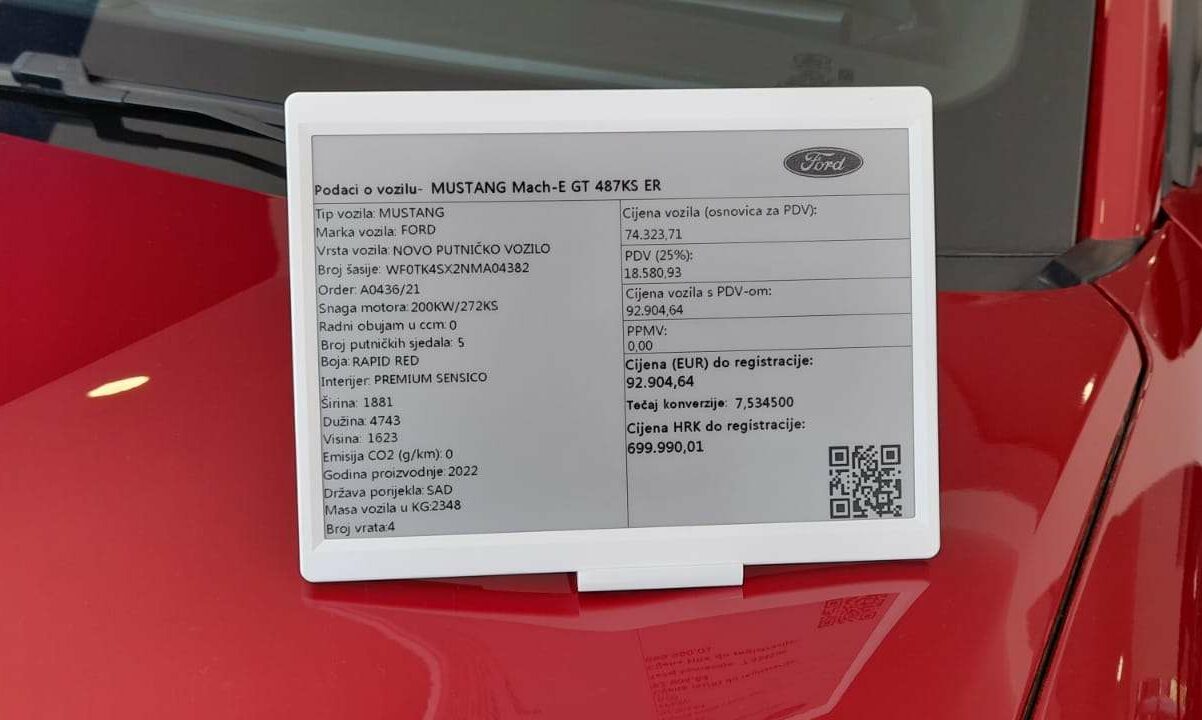
Karić automobili enhances their showroom customer experience with ETRANET DigiTag electronic shelf labels solutionFor their showroom in Karlovac, Karić automobili have chosen one of the largest...
-
Unaprijedite svoje poslovanje naprednim rješenjima ETRANET Grupe koristeći vaučere za digitalizaciju iz NPOOETRANET Grupa je uvrštena u katalog pružatelja složenih digitalnih rješenja sa svojim naprednim...
-
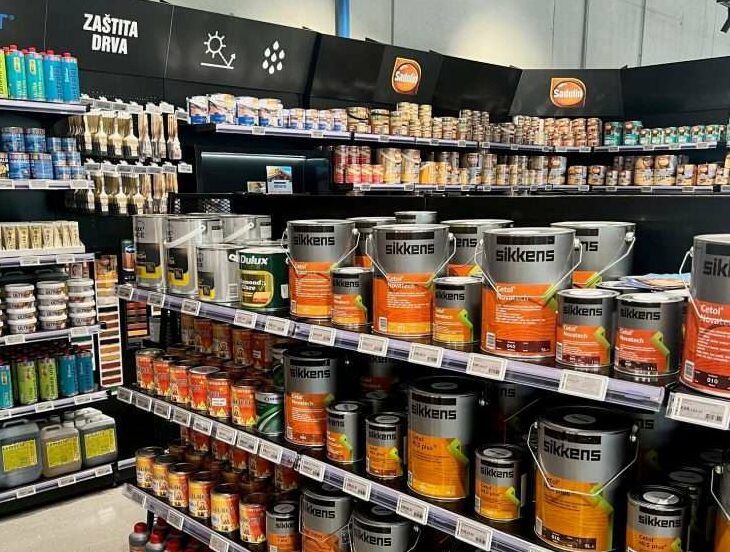
ETRANET DigiTag electronic shelf labels solution powers new Texo flagship retail storeTexo trgovina's latest flagship store in Samobor is fully powered by our DigiTag...